
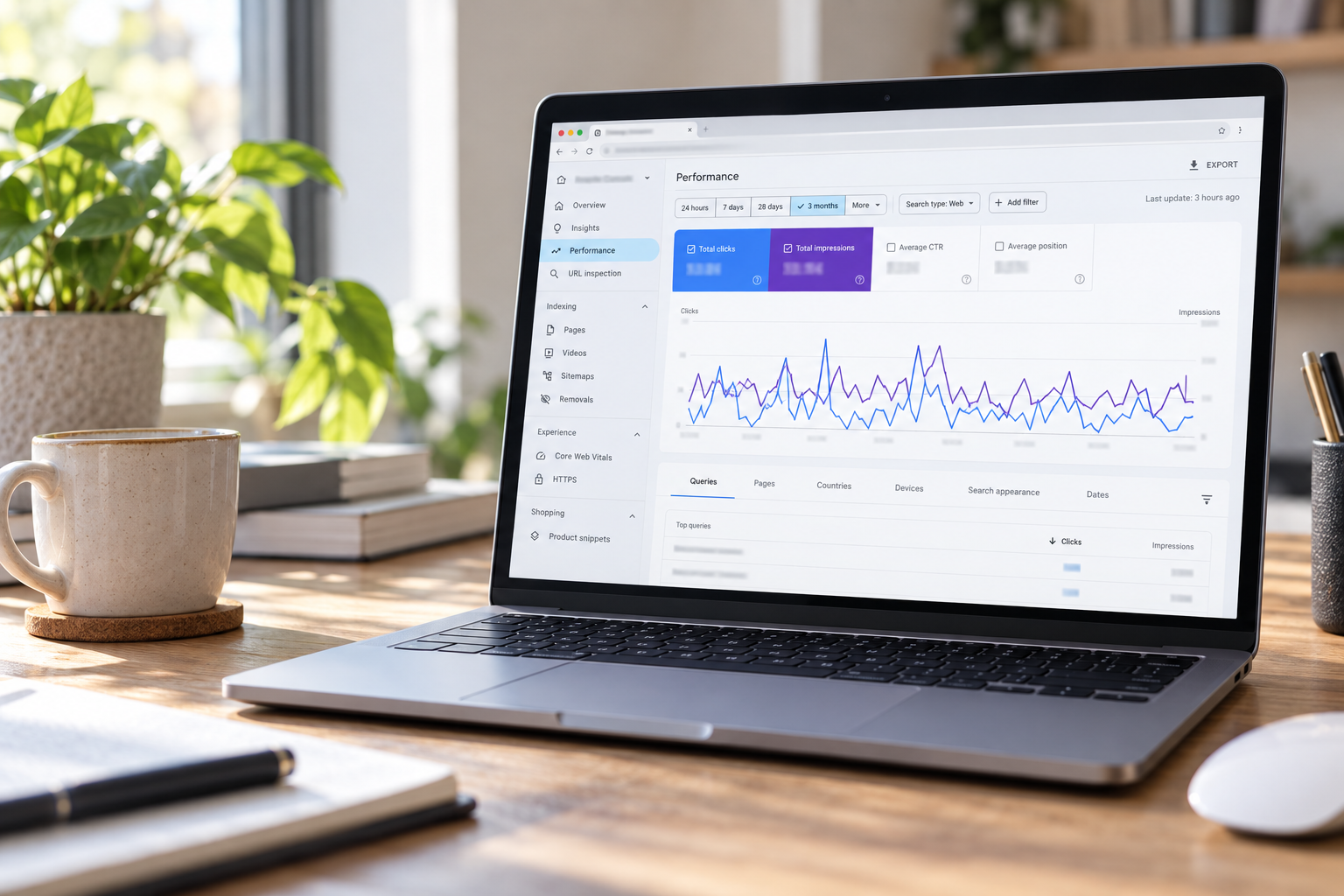
Your website can appear in Google hundreds or even thousands of times without many people clicking through. That can be frustrating, especially when you can see that people are searching for exactly what you offer.
The good news is that your Google Search Console data can help you work out where to focus. You don’t need to analyse every number. Start with these five checks and changes.
1. Searches with plenty of impressions but few clicks
An impression means your website appeared in a Google search result. A click means someone selected your result and visited your site.
In Google Search Console, open Performance, then Queries. Look for relevant searches with a reasonable number of impressions but very few clicks. These show you where your website is visible, but people aren’t choosing it often.
Before changing anything, check the average position. A result appearing further down the page will usually have a harder time attracting clicks. If a query is already appearing prominently, look at the result itself. Does the page title clearly say what you offer and where you offer it? Does the description give someone a reason to visit?
2. Which pages people see in search results
Switch from Queries to Pages to see which website pages are getting impressions and clicks.
Your homepage might be doing most of the work while a valuable service page gets very little traffic. Or a service page might appear often without attracting clicks. Both are useful clues.
Open a page in Search Console, then look at the queries associated with it. Ask yourself: Is this the right page for what the person searched? If someone searches for a specific service, a dedicated page that answers their questions may be more useful than a broad overview.
Review the page’s heading, opening copy and key details. Make it easy for someone to see what you do, who you help, where you work and what they should do next.
3. Searches that match the work you actually want
More clicks are helpful, but the right clicks matter more.
Separate searches for your business name from searches for your services. Someone searching your name may already know you. A person searching for a service in your area could be finding you for the first time.
Then look at the services and locations appearing in your query data. Are they aligned with the jobs you want more of? If you want more retaining wall projects, for example, but most of your visibility is for general landscaping searches, that tells you where your content may need more focus.
Search Console shows what people searched before visiting your site. It doesn’t tell you whether they became an enquiry or whether the enquiry was a good fit. Compare the data with what you’re hearing from actual customers.
4. Your page titles and search descriptions
Your page title is often the most noticeable part of your Google listing. A vague or repeated title can make it difficult for someone to tell why they should choose your page.
For pages with relevant impressions and a low click through rate, review the title and meta description alongside the content on the page. Use clear, natural language that reflects the service and search intent. A description can explain what makes the page useful and invite the person to take the next step.
Google may generate its own title or snippet for a search, so these edits don’t guarantee that your exact wording will appear. The page itself needs to back up the message in the listing.
5. Changes over time, not just one day’s numbers
Search results fluctuate. A quiet day or a sudden spike doesn’t give you enough information to judge whether an update worked.
Compare a useful period, such as the past three months, with the previous three months. Look at clicks, impressions, click through rate and the queries bringing people to your pages. If you update a service page, make a note of the date and check its results again over time.
Remember that average position is just that: an average. It isn’t a fixed ranking that every person sees. Use it as a clue alongside impressions and clicks, rather than treating one position number as the whole story.
Start with one page
You don’t need to rewrite your entire website based on one report. Choose a service page that matters to your business, check the searches it appears for, and make sure its Google listing and page content answer what those people are looking for.
Then keep an eye on the data and, more importantly, the enquiries coming through. Getting more clicks is useful. Getting clicks from people who want the services you provide is the real goal.
If you’d like help reviewing your website data and deciding which pages to improve first, get in touch with Absolute Web Design. We can talk through what the numbers are showing and the next steps that make sense for your business.